
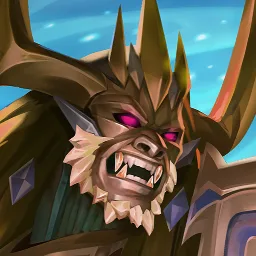
Juggernaut Wars - raid RPG
Screenshots
About this game
Juggernaut Wars - raid RPG is a role-playing game where you build a team of heroes and take on fantasy battles, bosses, and story quests. It focuses on raid-style fights, tactical use of hero skills, and a wide mix of characters with different abilities.
The game combines fantasy and sci-fi elements, with campaigns across different locations and several modes such as arenas, quests, side storylines, and mine takeovers. It is rated Everyone 10+, includes ads and in-app purchases, and runs on Android 7.0 or higher.
This page lists a verified APK package for direct install. Confirm the package name com.my.juggernautwars before installing.
What’s new
Features
- For strategy players: build a raid team and use hero abilities to shape each battle.
- For story fans: follow the campaign against the Devourers and the Cult of Masks.
- For collectors: gather and upgrade gear, elixirs, and other items to strengthen heroes.
- For mode variety seekers: play arenas, quests, side storylines, and mine takeovers.
Versions
| Version | Size | Released | |
|---|---|---|---|
| 4.5.5 | 99 MB | Sep 29, 2026 | Get |
FAQ
Does Juggernaut Wars - raid RPG show ads?
Yes. The app contains ads, so some parts of use may include advertising.
How do I update to the newest version without losing my progress?
Install the latest version over the current one when an update is available. The app metadata does not confirm how progress is saved, so check the app’s own account or save options before updating.
Does it need the internet or an account?
The metadata does not say. After installing, check the app’s sign-in and connection prompts to see what is required.