
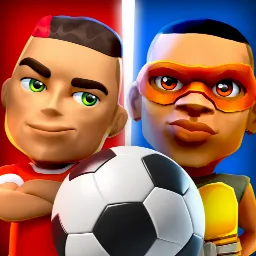
Goal Battle: PvP Football Game
Screenshots
About this game
Goal Battle is for soccer fans who want quick PvP matches, live opponents, and a team-building challenge in a small Android app. It gives you fast games, real-time competition, and a way to climb trophies and leaderboards. You can build a squad with players that have different skills, then use tactics and timing to outplay other users.
The game also includes daily challenges, seasonal events, and rewards to keep each match feeling fresh. If you want an APK download for a light football game on Android, this one is built for quick play.
This page lists a verified APK package for direct install. Confirm the package name com.mage.goalbattle before installing.
What’s new
Features
- Play fast PvP football matches against real players
- Build your squad and use player skills with smart tactics
- Earn trophies, complete daily challenges, and rank up
Versions
| Version | Size | Released | |
|---|---|---|---|
| 999.0 | 2.7 MB | Aug 21, 2026 | Get |
FAQ
How big is the download, and how much free space should I keep?
The app file size is 2.7 MB. It is best to keep a little extra free space on your device for installation and normal app data.
Is Goal Battle free, and what are the in-app purchases for?
The listing shows that the app includes in-app purchases, but it does not explain what they buy. It also shows ads, so the app may display advertising.
Why does it ask for location, camera, microphone, and internet permissions?
Location permissions can help the app know where you are, internet access is needed for online matches, and the camera and microphone may be used for features that need them. Network state helps the app check your connection.